How to Create WhatsApp Wedding Invitations in 2026 — Step-by-Step Guide
Over 80% of Indian wedding invitations are now shared on WhatsApp. It's faster than courier, cheaper than printing, and reaches guests instantly — whether they're in the next lane or the next country. But there's an art to creating a WhatsApp wedding invitation that looks beautiful, reads clearly, and doesn't get lost in a flood of messages.
This guide walks you through every step — from choosing the right format to writing the perfect message to sending it without it looking like a broadcast spam.
Step 1 — Choose Your Invitation Format
WhatsApp supports several invitation formats, each with pros and cons:
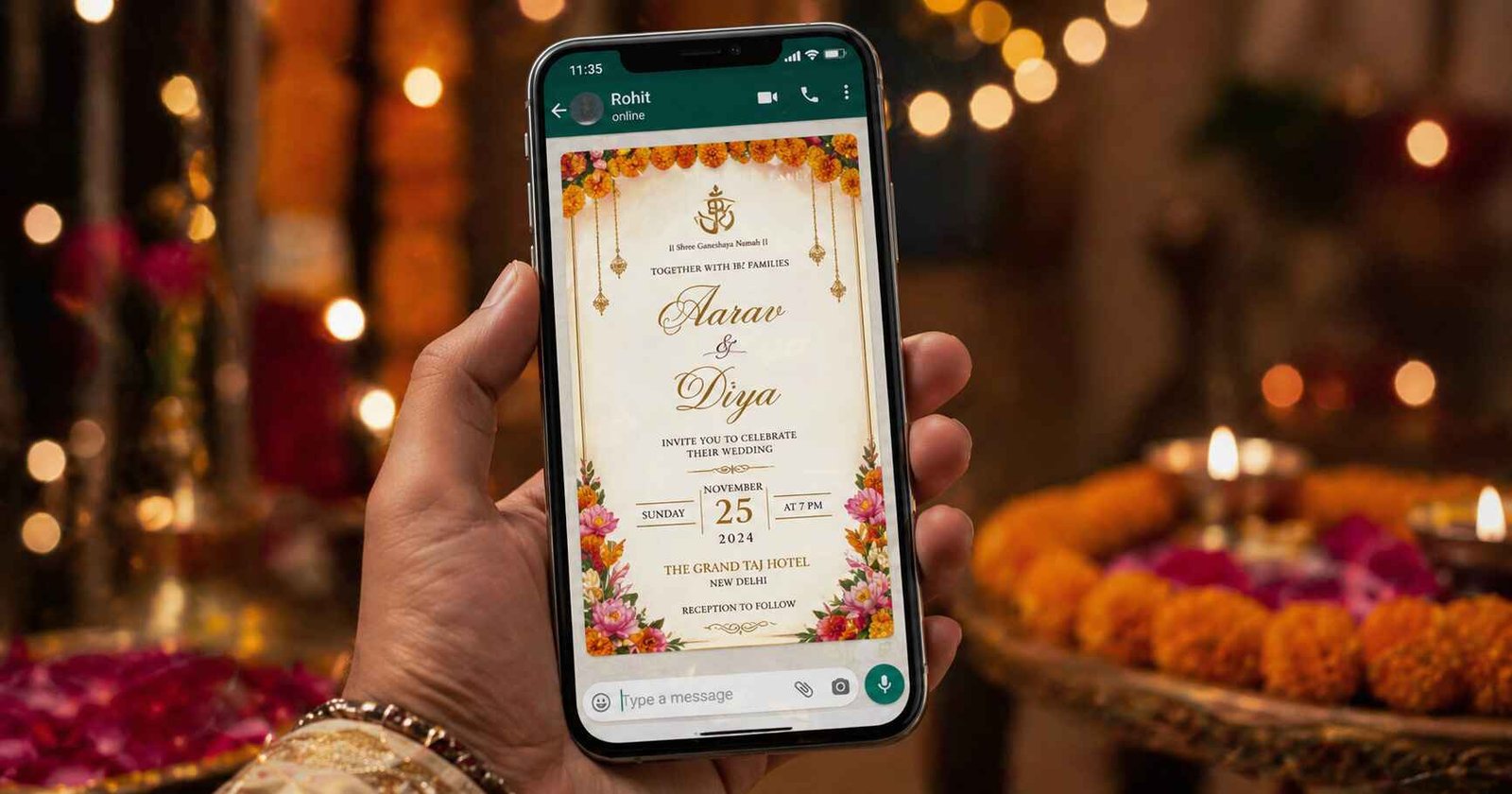
- Image (JPG/PNG/WebP): Most common. Looks beautiful, easy to save, works on all devices. Best size: 1080×1920px (portrait) or 1080×1080px (square).
- Video (MP4): Cinematic and impressive. 15–30 seconds is ideal. Larger file size — keep under 16MB for WhatsApp.
- PDF: Good for formal invitations with multiple pages. Less visually impactful than image/video.
- GIF: Animated and eye-catching. Smaller than video. Good for reception-only or casual invites.
Tip: The best WhatsApp wedding invitation is an image or short video accompanied by a concise text message. The image carries the design; the text carries the key details. Together they ensure guests have all the information even if they don't save the image.
Step 2 — Design Your Invitation
You don't need a designer. Here's how to create a professional-looking digital invitation:
Option A — Use an Online Platform
Platforms like einvits.com offer pre-designed Indian wedding invitation templates. You simply fill in names, dates, and venue. The platform generates your ready-to-share image or video. Takes 5–10 minutes.
Option B — Use Canva
Canva has hundreds of wedding invitation templates. Customise fonts, colours, and layouts. Export as JPG or PNG. Free to use with paid premium elements.
Option C — Hire a Designer
For video invitations or custom illustrations, freelance designers on Instagram or platforms like Fiverr offer Indian wedding invite design services for ₹500–₹3000.
Step 3 — Write Your WhatsApp Message
Always pair your invitation image with a text message. This is what guests read first. Keep it under 100 words:
Dear [Name],

With joy and love, we invite you to the wedding of

Priya Sharma & Arjun Mehta

📅 Sunday, 22nd February 2026
⏰ Ceremony: 6:30 PM | Dinner: 8:00 PM
📍 The Taj Mahal Hotel, Mumbai
📍 [Google Maps link]

Please find our invitation card above. Your presence will mean the world to us.

To RSVP or for any queries: +91 98765 XXXXX

With love,
The Sharma & Mehta Families
Step 4 — Add a Google Maps Link
This is non-negotiable for digital invitations. Go to Google Maps, search your venue, tap Share → Copy link. Paste it in your WhatsApp message. Guests in unfamiliar cities will thank you.
Step 5 — Sending Strategy
Personal vs Broadcast
WhatsApp allows you to send via:
- Individual chats: Most personal, most impactful — but time-consuming for large lists
- Broadcast list: Send to up to 256 contacts at once; each receives it as a personal message (they must have your number saved)
- WhatsApp Group: Good for family groups; not ideal for formal invitation since it's a public group message
Key Takeaway: Use Broadcast Lists for sending formal invitations — not groups. A broadcast message appears as a personal chat, which feels more respectful than a group post where everyone can see everyone else's replies.
Sample Sending Schedule
- 3 months before: Send Save-the-Date (image with just names, date, city)
- 4–6 weeks before: Send the main invitation card + detailed text message
- 1 week before: Send a reminder message with venue map and RSVP request
- Day before: Send a short warm reminder: "Tomorrow is the day! See you soon 💛"
Step 6 — WhatsApp Status Invitation
In addition to direct messages, post your invitation image to your WhatsApp Status 4–6 weeks before the wedding. This reaches your entire contact list organically and creates buzz among acquaintances who may not be on your personal invite list.
Common WhatsApp Invitation Mistakes to Avoid
- Sending a very large file — keep images under 5MB and videos under 16MB
- No text message — never send just an image without any context text
- Missing venue address or maps link
- Sending via a group where guests can see each other's replies and numbers
- Sending at midnight — aim for 9 AM–8 PM
Create Your Own Invitation in Minutes
einvits.com makes WhatsApp-ready wedding invitations in minutes. Choose a template, personalise your details, and download your shareable image or video — optimised for WhatsApp sharing. Free to get started.
Get Started FreeFinal Thoughts
A great WhatsApp wedding invitation combines a beautiful visual card with a warm, informative text message — and a timely, personal sending strategy. It's not just about the design; it's about how your guests receive it and how it makes them feel. Get those elements right, and your digital invitation will be as memorable as the wedding itself.