How to Create a Wedding Invitation Template: Step-by-Step Guide (2026)
Your wedding invitation is the first thing guests see — before the flowers, before the venue, before the cake. A well-designed invitation sets the mood for your entire celebration. The good news? You don't need a professional designer or an expensive print shop to create one. In 2026, any couple can build a beautiful, personalised wedding invitation template in minutes — and share it instantly across WhatsApp, email, and social media.
This guide walks you through every step: choosing a template style, writing the perfect wording, adding RSVP functionality, and sharing your invite with the world.
Step 1: Define Your Wedding Style Before You Design
The best invitation templates reflect the tone and theme of the wedding itself. Before you open any design tool, answer these three questions:
- What is the vibe? Traditional & religious, modern & minimal, royal & grand, destination & fun?
- What is the colour palette? Deep maroon and gold for a Hindu ceremony? Ivory and sage for a modern reception? Teal and gold for a Gujarati wedding?
- What is the format? Single event, multi-day celebration, or a weekend wedding with Mehendi, Sangeet, and Reception?
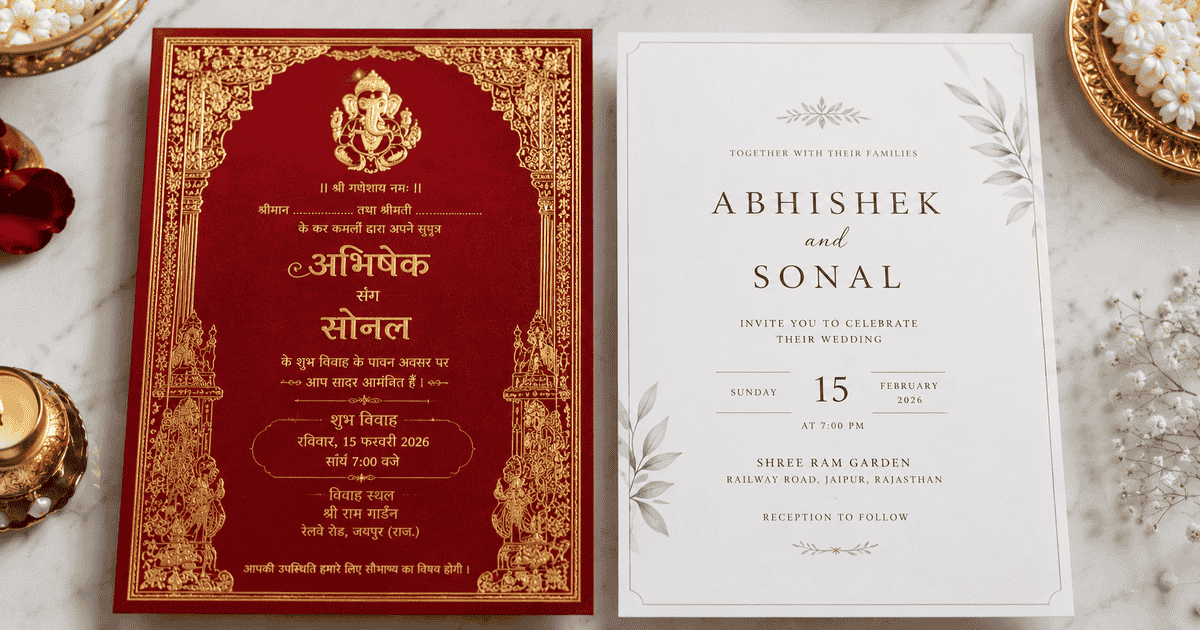
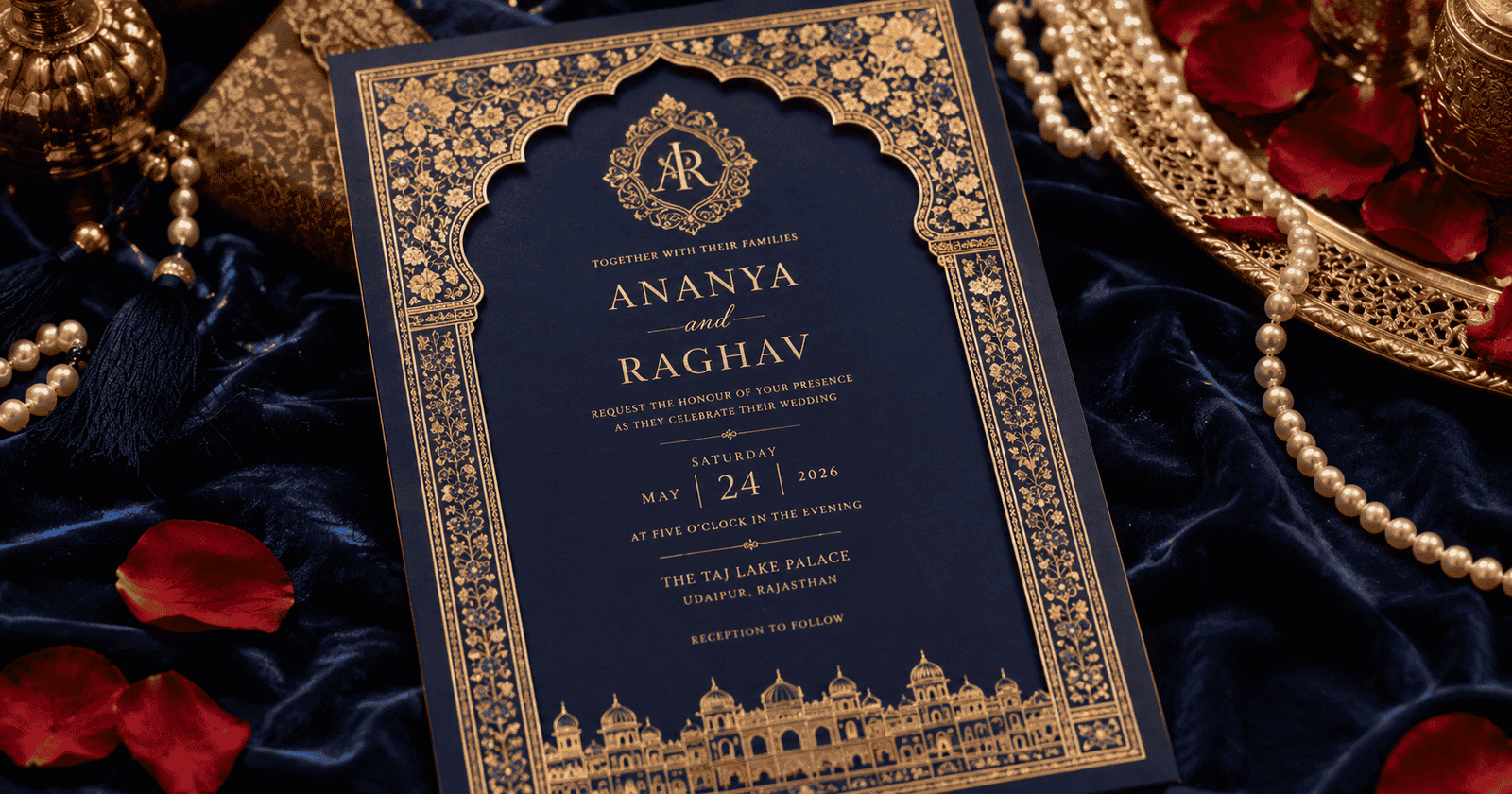
Example: Shruti & Arjun (Delhi, 2025) chose a deep burgundy and gold template with Devanagari font accents for their North Indian wedding — it matched their mandap décor perfectly and guests immediately felt the grandeur before arriving.
Step 2: Choose the Right Template Style
On einvits.com, you'll find 100+ Indian wedding invitation templates across every major community and wedding style. Here's how to narrow down your choice:
By Community & Tradition
- Hindu wedding templates — Ganesha motifs, floral borders, red/gold palette, Sanskrit invocations
- Muslim/Nikah templates — Bismillah opener, Arabic calligraphy accents, white/green/gold palette
- Sikh/Anand Karaj templates — Waheguru invocation, Khanda symbol, ivory and blue palette
- Christian/Church templates — Scripture verse, cross or floral motifs, white/ivory/silver palette
- South Indian templates — Kolam patterns, temple motifs, yellow/gold/red palette
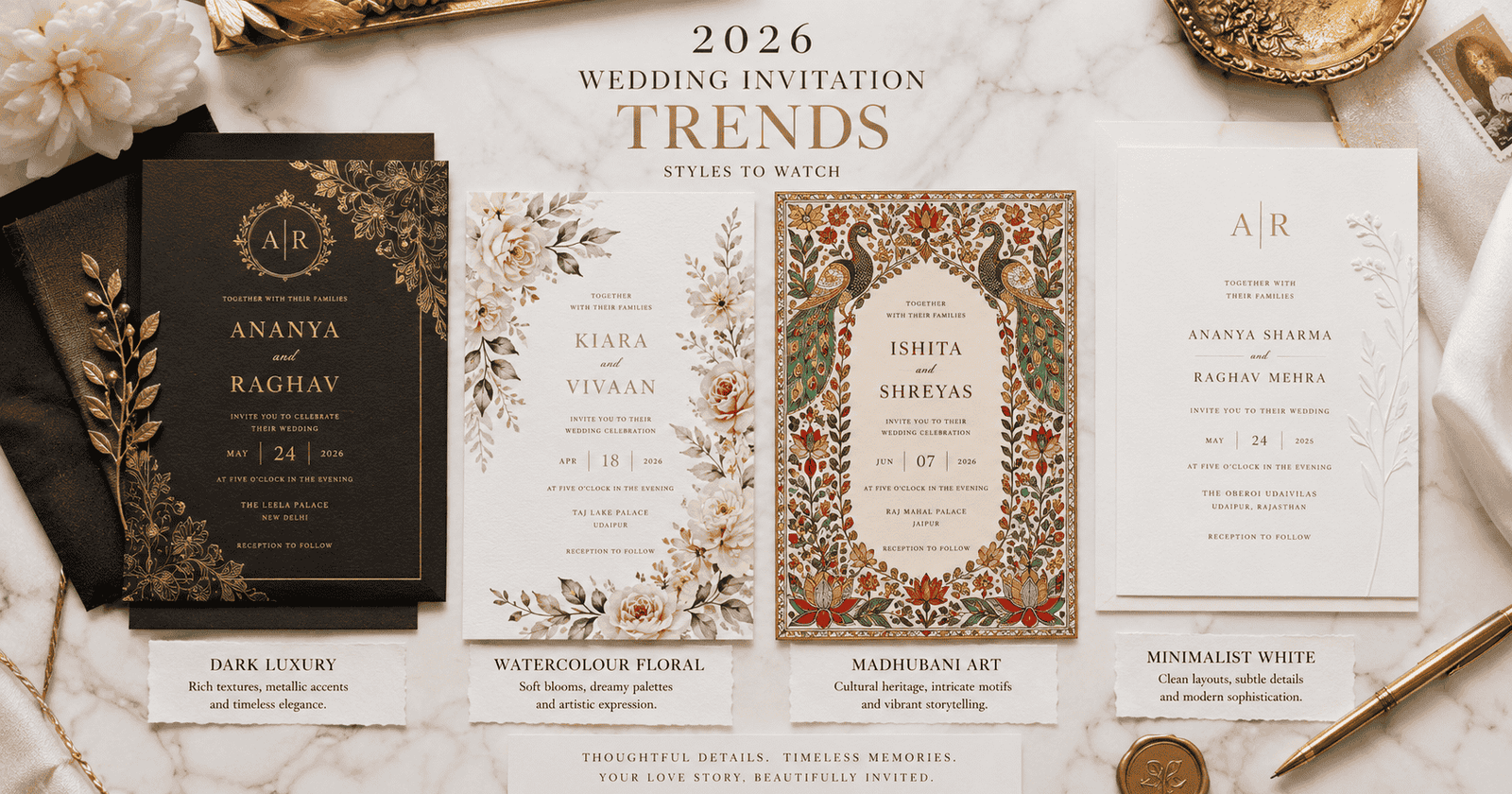
- Modern & Minimal templates — Clean typography, pastel tones, no religious motifs
By Format
- Single-event card — ideal for reception-only or intimate ceremonies
- Multi-event card — lists Mehendi, Haldi, Sangeet, Wedding, and Reception on one card
- Video invitation — animated template with motion graphics and background music
- WhatsApp-optimised card — compact portrait format designed for mobile screens
Step 3: Fill In Your Invitation Details
Once you've selected your template on einvits.com, it's time to personalise it. Here are the key fields every Indian wedding invitation template should include:
Essential Details
- Religious invocation — e.g., "Shri Ganeshaya Namah", "Bismillah-ir-Rahman", "Waheguru Ji Ka Khalsa"
- Hosting family names — typically the bride's family first in Indian tradition
- Bride and groom names — in the format "Daughter/Son of [parents]"
- Wedding date and day — include the day of the week for guest convenience
- Muhurat/ceremony time — especially important for Hindu weddings
- Venue name, address, and Google Maps link
- Sub-events with individual timings — Mehendi, Haldi, Sangeet, Baraat, etc.
- Contact number for queries
Pro Tip: Always double-check the spelling of names, venue addresses, and dates before sharing. A typo in the groom's name or a wrong muhurat time is very hard to correct once thousands of guests have received the invite — especially with printed cards.
Optional but Recommended
- Dress code (e.g., "Ethnic wear preferred", "Black tie", "Pastel colours for Mehendi")
- Accommodation details for outstation guests
- Wedding website link (if you have one)
- A short personal message from the couple
Step 4: Write Your Invitation Wording
The wording you use depends on who is hosting and what tone you want to set. Here are three ready-to-use wording templates:
Formal (Family-Hosted)
With the blessings of God and our beloved elders,
Mr. Ramesh Kumar Sharma & Mrs. Sunita Sharma
joyfully invite you to the wedding of their daughter

Priya Sharma
with
Nikhil Verma
son of Mr. Anil Verma & Mrs. Rekha Verma

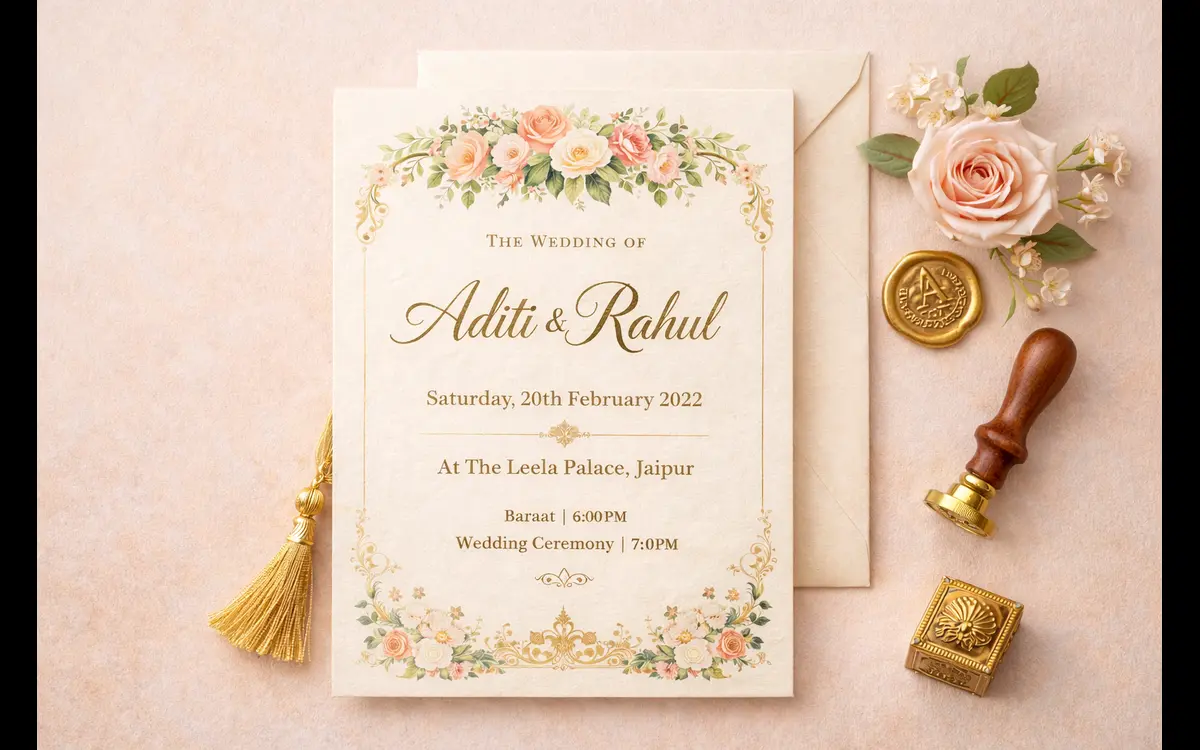
Saturday, 14th March 2026 | Shubh Muhurat: 7:15 PM
The Grand Hyatt, Jaipur
Modern (Couple-Hosted)
We found each other.
Now we're inviting you to celebrate with us.

Priya & Nikhil
14 March 2026 | 7:00 PM
The Grand Hyatt, Jaipur

Dinner, dancing, and a lot of love to follow.
WhatsApp Short Version
🎊 It's happening! Priya & Nikhil are getting married.
📅 14th March 2026 | ⏰ 7:00 PM
📍 The Grand Hyatt, Jaipur
Details in the card above. We'd love to see you there! 💕
Step 5: Add RSVP to Your Invitation Template
This step is the single biggest advantage digital invitation templates have over printed cards. When you create your invitation on einvits.com, you can enable a built-in RSVP button that lets every guest confirm their attendance directly from the invite — no phone calls, no WhatsApp chasing.
How RSVP Works on einvits.com
- Toggle on the RSVP feature when building your template
- Set your RSVP deadline date
- Guests tap the RSVP button in their invite and select "Attending", "Not Attending", or "Maybe"
- You see all responses in your real-time dashboard
- Send automated reminders to guests who haven't responded yet
Real Example: Meghna & Rohan (Hyderabad, 2025) had 380 guests and used the RSVP feature on einvits.com. By their deadline, 91% of guests had responded — compared to the 60–70% response rate they'd seen at their siblings' weddings where invites went out without RSVP links. Their caterer got an accurate headcount 8 days early and saved ₹22,000 in food wastage.
Step 6: Preview on Mobile Before Sharing
Over 85% of Indian wedding guests will open your invitation on a smartphone. Before you hit share, always preview your template on a mobile screen. Check for:
- Text is readable without zooming
- Names and dates are clearly visible
- The RSVP button is tappable and prominent
- Images and animations load quickly (under 3 seconds)
- The venue link or Google Maps button works correctly
Step 7: Share Your Invitation Template
Once your template is finalised, sharing is instant. From your einvits.com dashboard you can:
- Share via WhatsApp — tap once to open in WhatsApp and select contacts or groups
- Share via email — sends a clickable link directly to guest inboxes
- Copy shareable link — paste into any platform (Instagram, Telegram, Facebook)
- Download as image/video — for posting as an Instagram story or reel
- Print a QR code — add to your printed card so guests can scan and RSVP digitally
Smart Sharing Tips
- Send to immediate family first — let them know it's coming before the mass share
- Create separate WhatsApp groups for different sub-events (Mehendi crew, Reception VIPs)
- Share 4–6 weeks before the wedding; follow up 10 days before with RSVP reminder
- For international guests, share 8 weeks ahead to allow visa or travel planning
Common Mistakes to Avoid When Creating an Invitation Template
- Overcrowding the design — too much text makes mobile invitations unreadable. Keep it clean.
- Forgetting the muhurat time — for Hindu weddings especially, guests plan travel around the ceremony start time
- No RSVP deadline — open-ended RSVPs result in last-minute chaos with catering and seating
- Using low-contrast text — gold text on yellow background looks elegant in print but is invisible on phone screens
- Skipping the venue link — always embed a Google Maps link. Guests in unfamiliar cities depend on it.
Build Your Wedding Invitation Template — Free
Choose from 100+ Indian wedding templates, personalise every detail in minutes, and enable built-in RSVP tracking. Share instantly via WhatsApp, email, or a link — no design skills needed.
Create Your Template FreeFinal Thoughts
Creating a wedding invitation template in 2026 is faster, easier, and more impactful than ever. The key is to start with a design that reflects your wedding's personality, fill in every detail carefully, enable RSVP so you get real-time responses, and share early enough for guests to plan. Whether you're planning an intimate 50-person ceremony or a 1,000-guest multi-day celebration, a well-crafted digital invitation template sets the perfect tone — and takes just minutes to create on einvits.com.