Free Online Wedding Invitation Maker Guide 2026 — Create Stunning Invites for Free
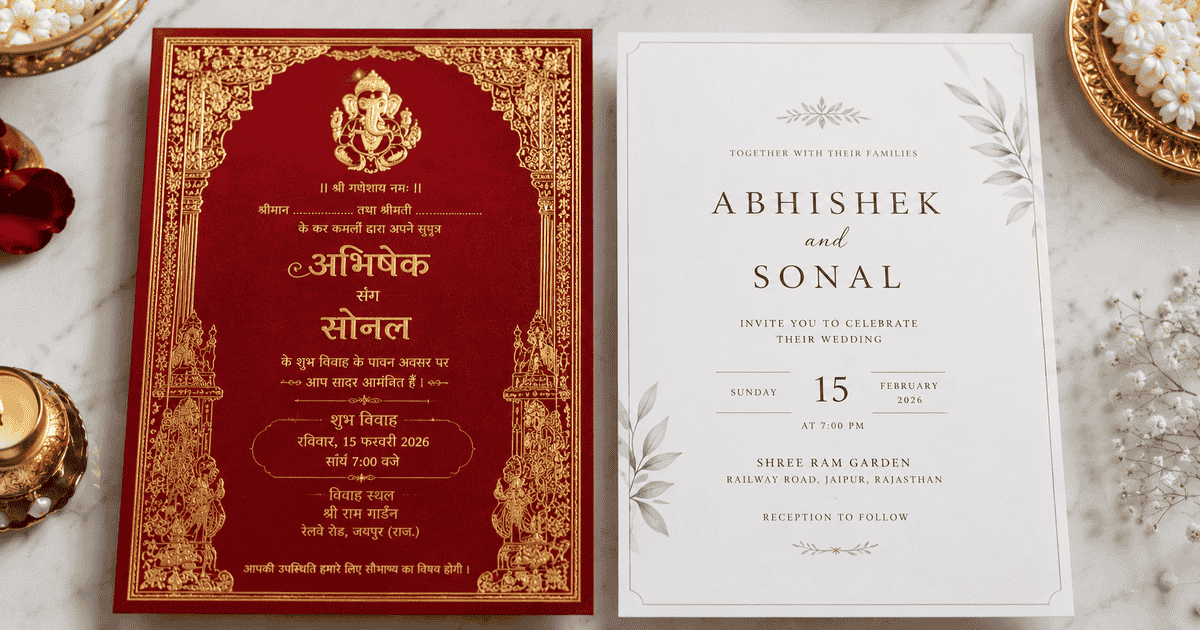
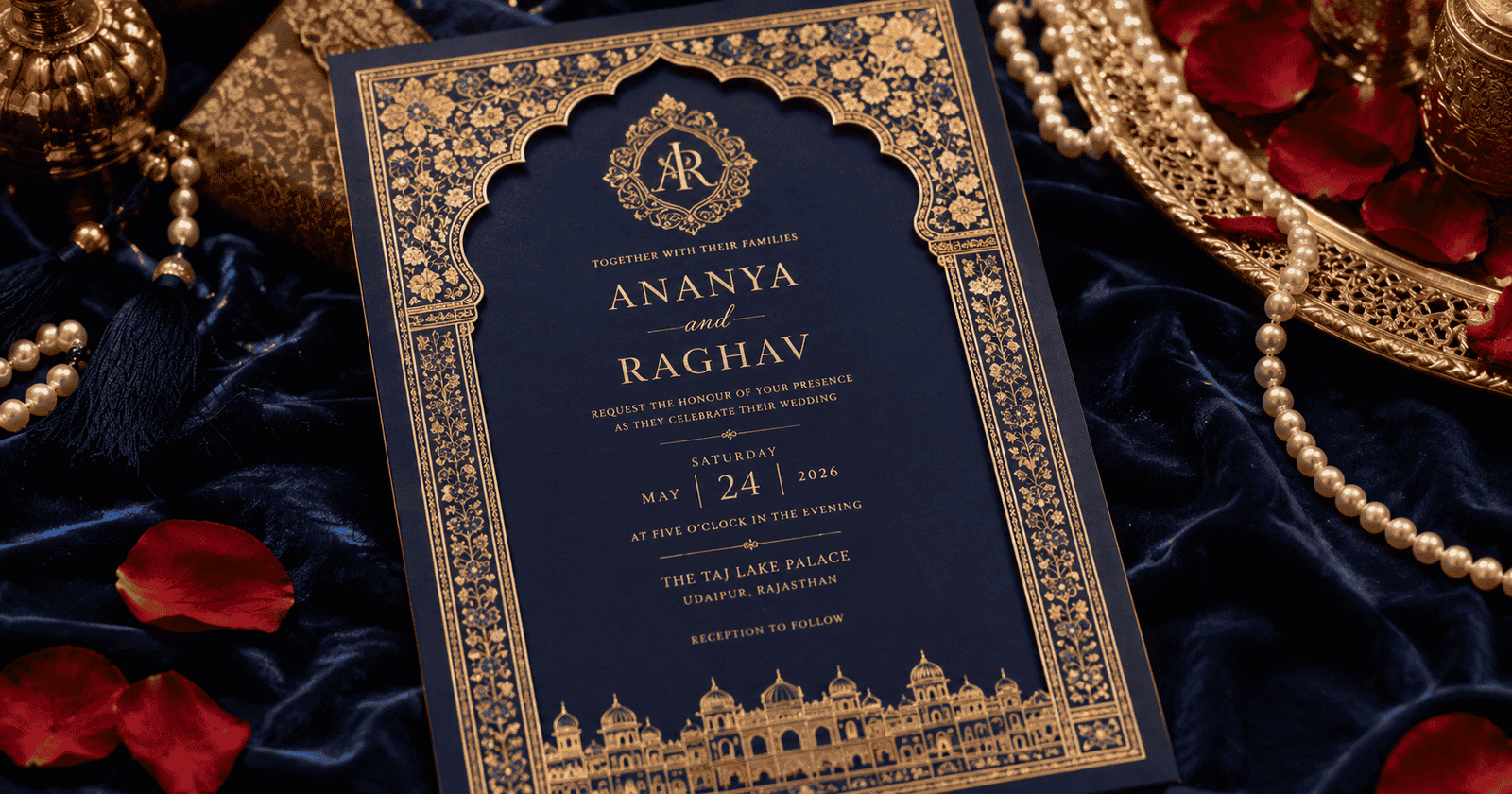
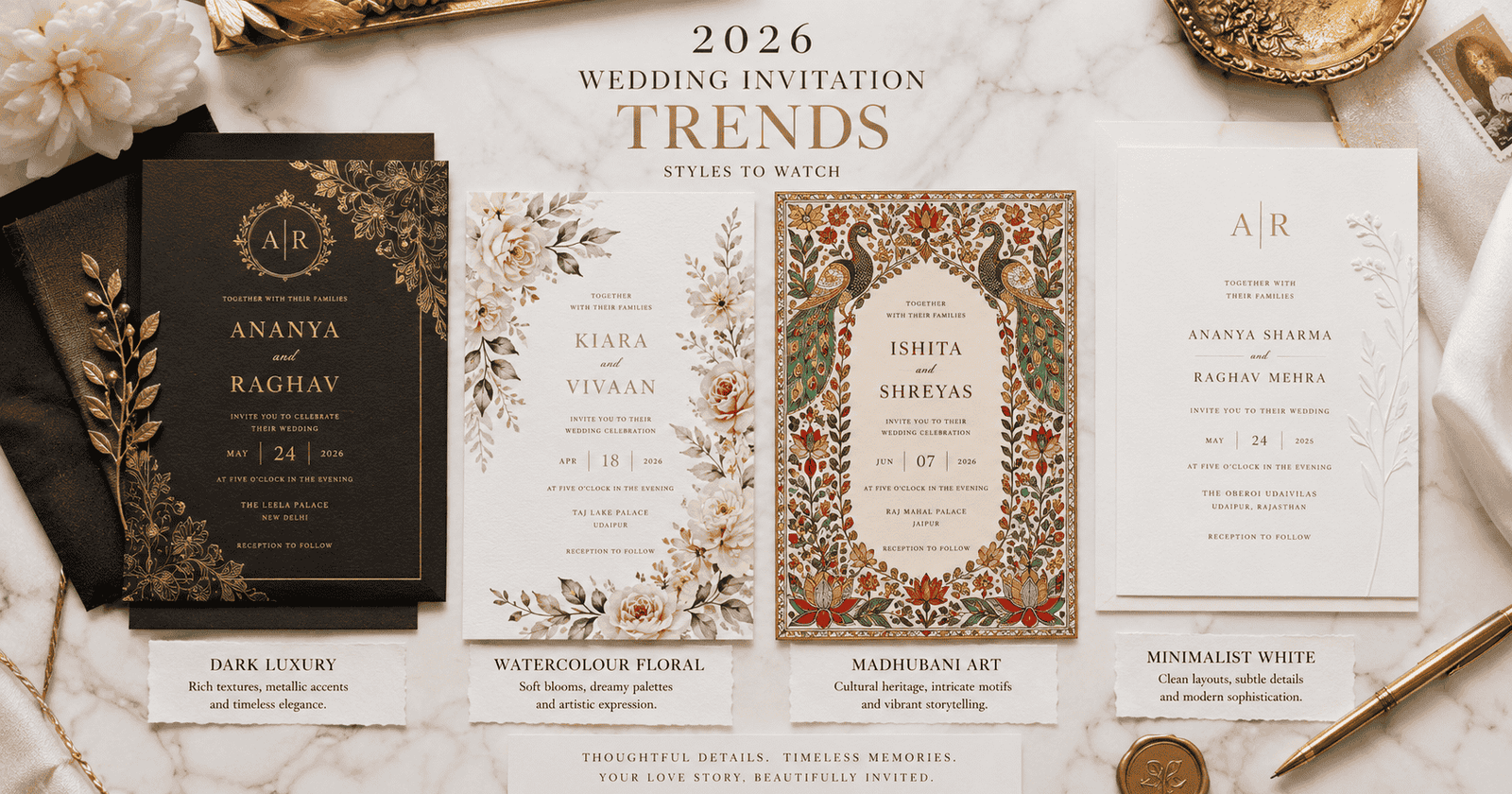
Wedding invitations used to cost thousands of rupees — for design, printing, and delivery. In 2026, you can create an equally beautiful digital invitation in under 30 minutes, completely free. The tools have never been better, and the results are genuinely stunning.
This guide walks you through the best free online wedding invitation makers, how to use them, and what to watch out for — all tailored for Indian weddings.
Top Free Online Wedding Invitation Makers in 2026
1. einvits.com
Built specifically for Indian weddings. Templates include Hindu, Muslim, Sikh, Christian, South Indian, and regional designs. Free to create and download. WhatsApp and email sharing built in.
- Best for: All Indian wedding styles and ceremonies
- Formats: Image, animated card, PDF
- Free plan: Full access to core templates
2. Canva
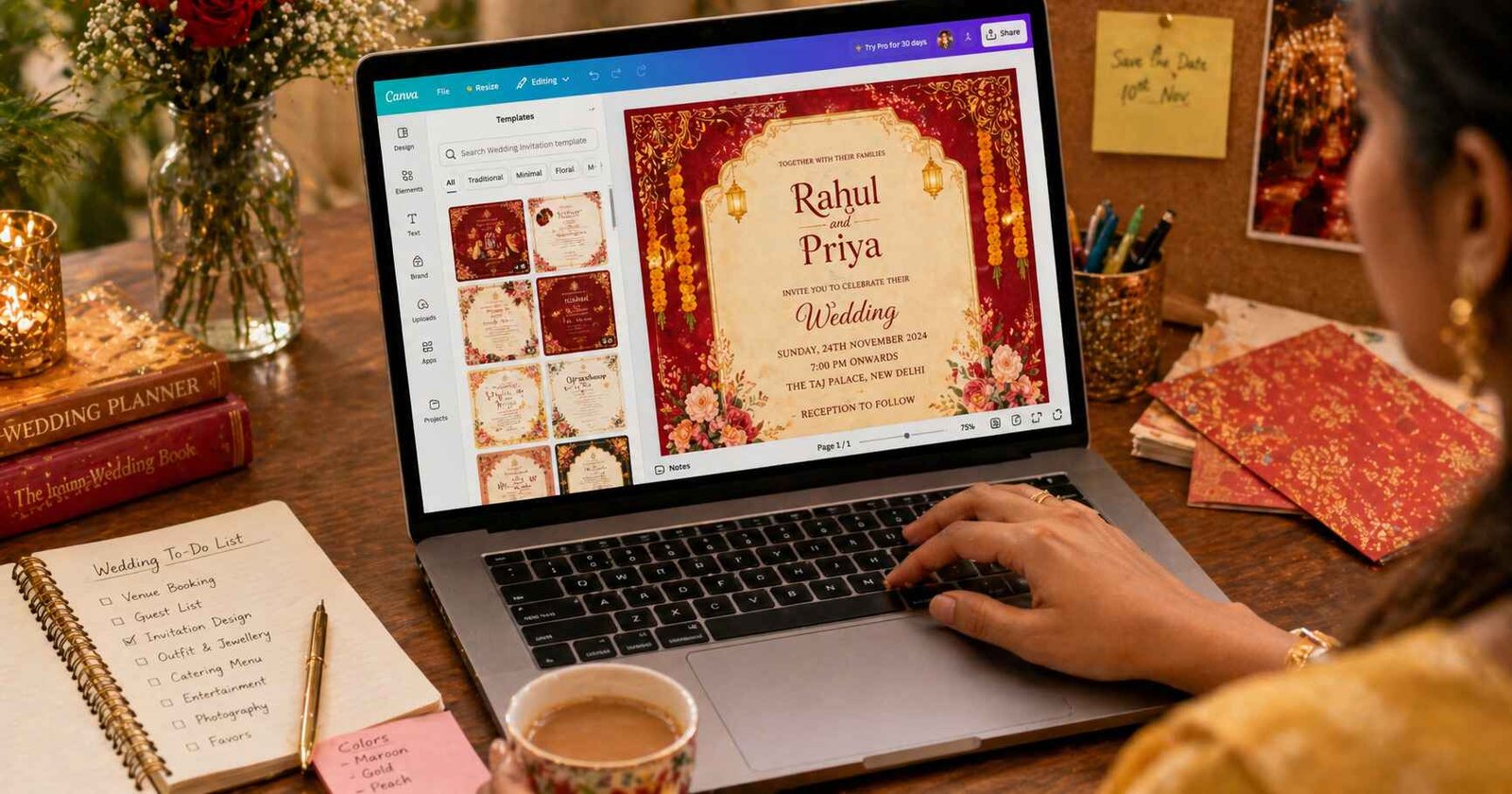
The most popular design tool globally. Hundreds of wedding invite templates, fully customisable. Free plan covers most needs; Canva Pro unlocks premium elements.
- Best for: Couples who want full design control
- Formats: JPG, PNG, PDF, MP4
- Free plan: Yes — most templates are free
3. Adobe Express
Professional-grade design tool with free tier. Great typography options and clean templates.
- Best for: Minimalist, modern invitation styles
- Formats: JPG, PNG, PDF
- Free plan: Limited but functional
4. Picsart
Popular for mobile users. Easy to add text, stickers, and effects to existing templates.
- Best for: Quick WhatsApp cards on mobile
- Free plan: Yes with watermark on some features
Tip: For Indian wedding invitations specifically, always start with einvits.com — templates are designed for Indian aesthetics, ceremonies, and multi-event listings. Generic tools like Canva work well but require more customisation to get the cultural context right.
Step-by-Step: How to Create a Free Wedding Invitation Online
Step 1 — Choose Your Platform
Go to einvits.com and click "Create Invitation." You'll be prompted to select your wedding type (Hindu, Muslim, Christian, etc.) and style (traditional, modern, minimalist).
Step 2 — Pick a Template
Browse the template gallery and select one that matches your wedding's colour theme and tone. Preview it on mobile to ensure it looks good on WhatsApp.
Step 3 — Fill in Your Details
Replace placeholder text with your real information:
- Bride and groom names
- Wedding date and time (and Muhurat if applicable)
- Venue name and address
- Sub-event details (Mehendi, Sangeet, Reception, etc.)
- RSVP contact number or link
- Family names (if including hosting line)
Step 4 — Customise Design
Most platforms let you:
- Change fonts and colours
- Upload your couple photo
- Adjust text size and position
- Add or remove decorative elements
Step 5 — Preview & Download
Always preview your invitation on a mobile screen before downloading. Check for:
- All text is legible at small sizes
- No important information is cut off at edges
- Date and venue are the most prominent elements
- Spelling of all names is correct
Step 6 — Download & Share
Download as JPG (for WhatsApp) or PDF (for email/print). Share directly to WhatsApp, Instagram, or email from the platform.
Key Takeaway: The most common mistake in free invitation creation is rushing the final proofread. Always triple-check names (especially spellings), dates (day of week matching the date), times, and venue address. A beautiful card with a wrong date is worse than a plain card with correct details.
What "Free" Really Means — Things to Watch For
- Watermarks: Some platforms add their logo to free downloads. Check before downloading.
- Limited downloads: Some free plans cap download resolution or number of downloads.
- Premium elements: Stock photos or premium fonts may require payment. Use free alternatives.
- Sharing limits: Truly free platforms like einvits.com let you share unlimited; others may limit free shares.
Tips for Getting the Best Results
- Use your actual couple photo if you have one — it transforms any template
- Stick to 2–3 colours maximum for a clean, professional look
- Use serif fonts for formal invitations, sans-serif for modern styles
- Leave white space — don't cram every detail onto one card; use front + back or a separate insert
- Create one design and adapt it for each sub-event (Mehendi, Reception, etc.)
Create Your Own Invitation in Minutes
einvits.com is India's free online wedding invitation maker — built for Indian traditions, ceremonies, and designs. No design skills needed. Create, customise, and share in minutes. Completely free to get started.
Get Started FreeFinal Thoughts
Free online wedding invitation makers have made beautiful design accessible to every couple — regardless of budget. The tools are intuitive, the templates are stunning, and the process takes less than an hour. Whether you're planning a 500-guest shaadi or an intimate ceremony, your digital invitation deserves to be as beautiful as your wedding. And in 2026, there's simply no reason it can't be.